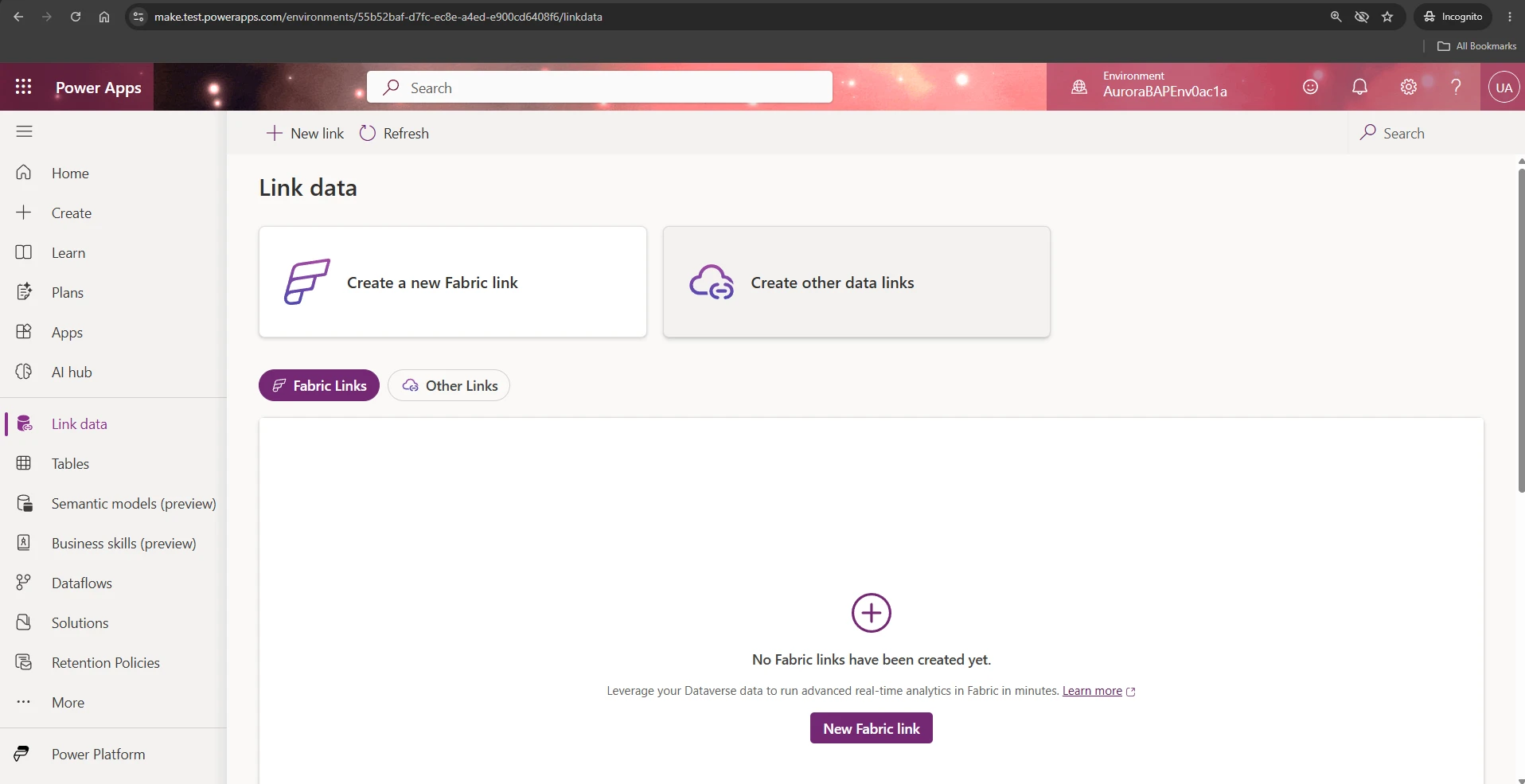

AI coding agents are quickly becoming part of the way makers and developers build, extend, and manage business applications. With the Microsoft Dataverse plugin for coding agents, developers can bring Dataverse expertise directly into their coding environment and work through natural language to query data, design schemas, import records, manage solutions, and administer environments.
Today, we are excited to share that the Dataverse plugin is now available in the Cursor Marketplace, giving Cursor users a direct path to build with Microsoft Dataverse from inside their preferred AI coding experience.

Bring Dataverse expertise into Cursor
The Dataverse plugin teaches coding agents how to work with the Dataverse MCP server, Python SDK, PAC CLI, and Dataverse CLI. Instead of switching between documentation, admin portals, CLI references, and scripts, developers can describe what they want to accomplish and let the agent route the task to the right tool.
For example, developers can ask Cursor to help show open opportunities over a specific value, create or update Dataverse tables and columns, import a CSV into contacts or accounts, generate sample data for testing, export or import a solution, review security roles and user access, or diagnose schema and data issues in a Dataverse environment.
The plugin includes specialized skills for connection setup, data operations, metadata authoring, queries, solution lifecycle, environment administration, and security. Each skill provides the agent with tested patterns, safe defaults, and tool-selection guidance so developers can stay focused on the business problem rather than the mechanics of each underlying tool.
Built for real enterprise environments
Dataverse is the trusted data platform behind Dynamics 365 and Power Platform. That means any AI-assisted development experience must respect the same security and governance model customers already rely on.
The Dataverse plugin is designed around least-privilege access. It respects existing Dataverse security roles, field-level security, ownership-based sharing, and environment-level controls. It also follows documented authentication patterns and avoids passing prompts, tool arguments, or record data to external services. For MCP access specifically, the plugin works within the existing Dataverse MCP authorization model, including developer authentication, tenant admin consent, and environment allowlisting.
This makes the plugin useful not just for demos or prototypes, but for real enterprise development workflows where security, auditability, and correctness matter.
Getting started in Cursor
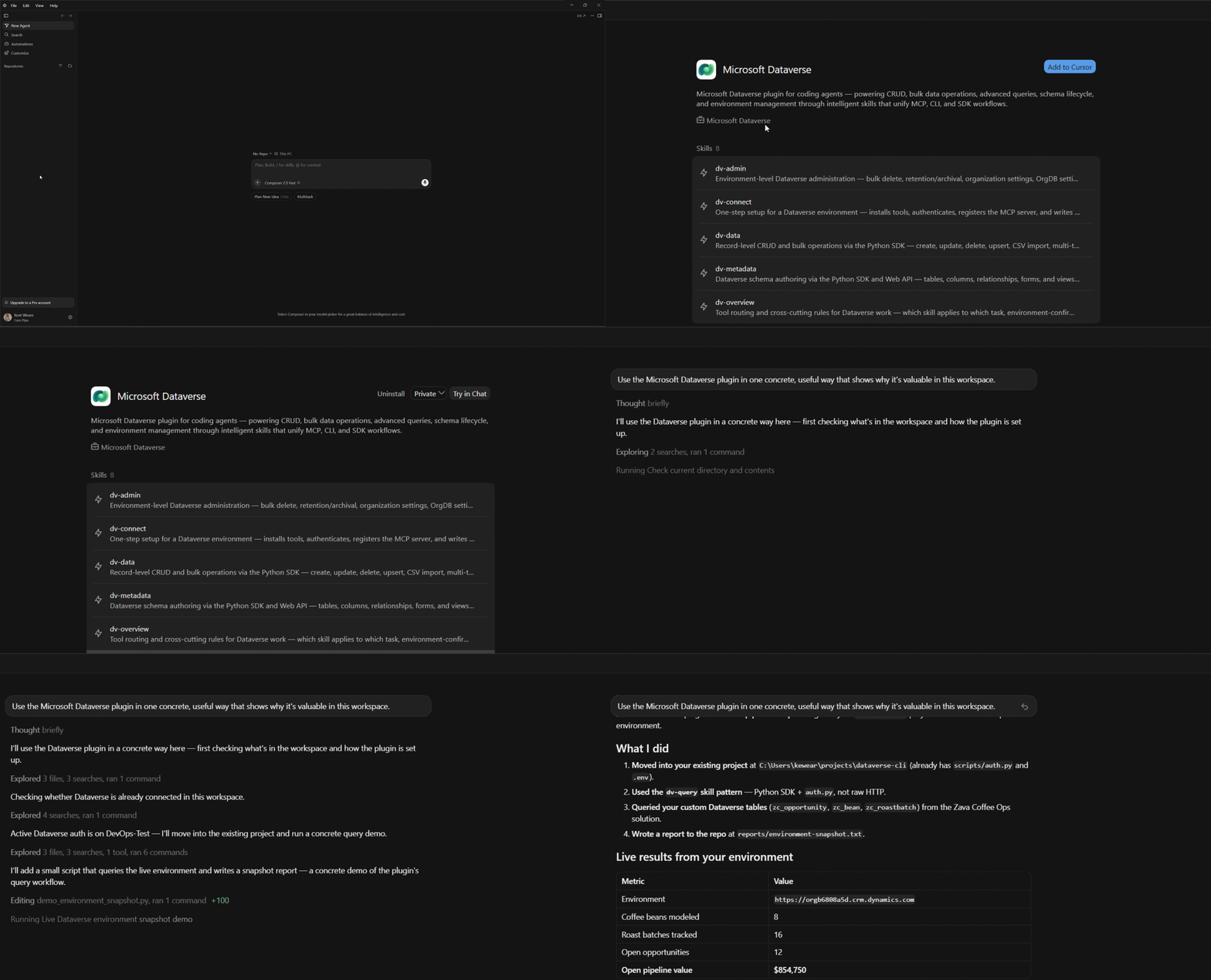
Getting started in Cursor is simple. The Dataverse plugin is available directly from the Cursor Marketplace, making it easy for developers to add Dataverse expertise to their AI coding workflow. Once installed, developers can ask Cursor to connect to Dataverse and the plugin guides the agent through setup, authentication, MCP registration, and environment verification. From there, developers can describe what they want to build or manage in natural language and Cursor can use the Dataverse plugin to route the task through the right tools. The same Dataverse plugin experience is also available for GitHub Copilot and Claude Code, giving developers a consistent way to work with Dataverse across their preferred coding agents.
Setup experience in Cursor:
References
Cursor Marketplace: https://cursor.com/marketplace/microsoft-dataverse
GitHub Copilot: Dataverse | Awesome GitHub Copilot
Claude Code: https://claude.com/plugins/dataverse
Open-source plugin repo: https://github.com/microsoft/Dataverse-skills